Your agents, within reach.
Dictate into any Mac app. Capture context on iPhone or Watch. Send the right material to an agent and follow the result.
macOS 26+ · Apple silicon
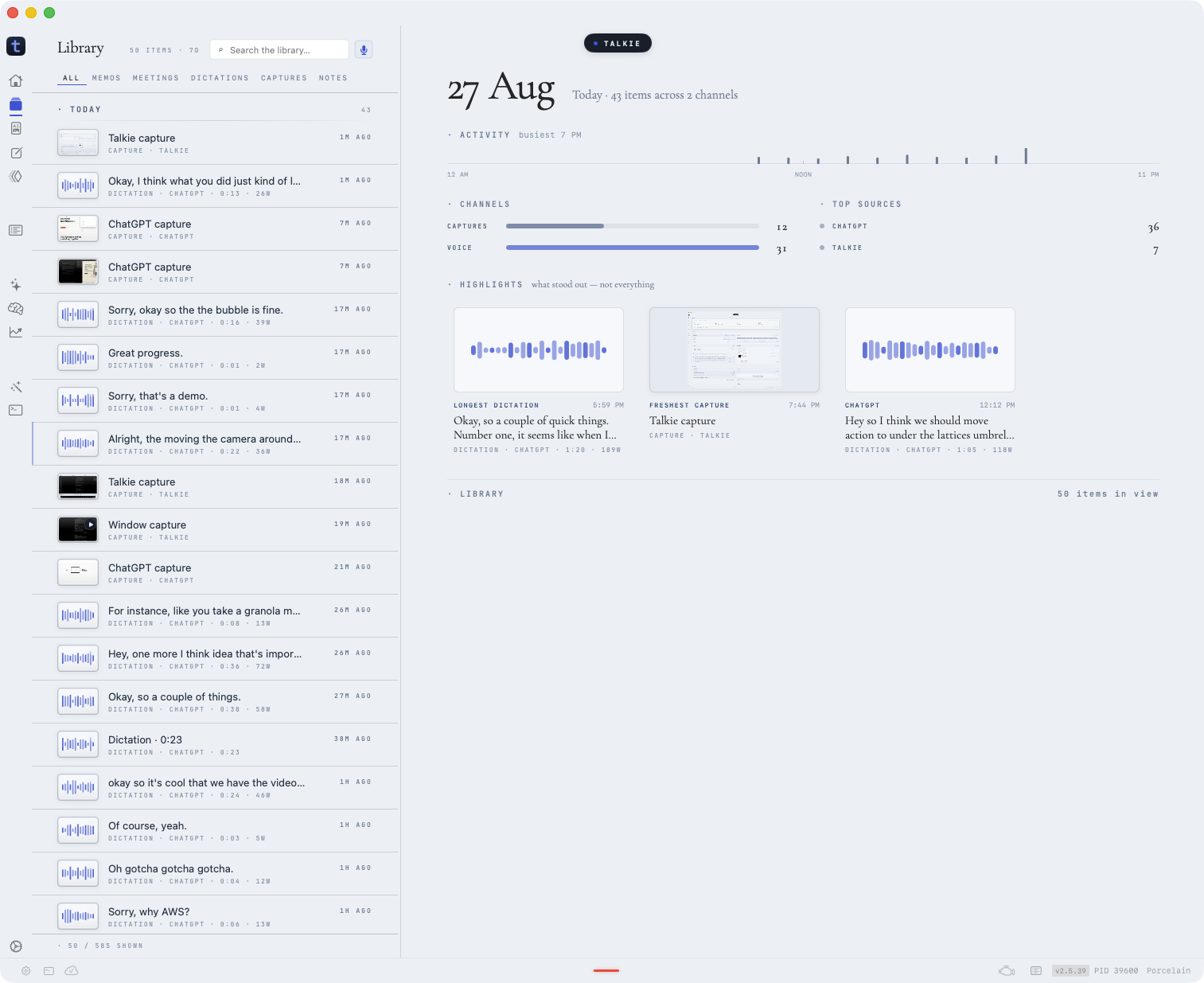
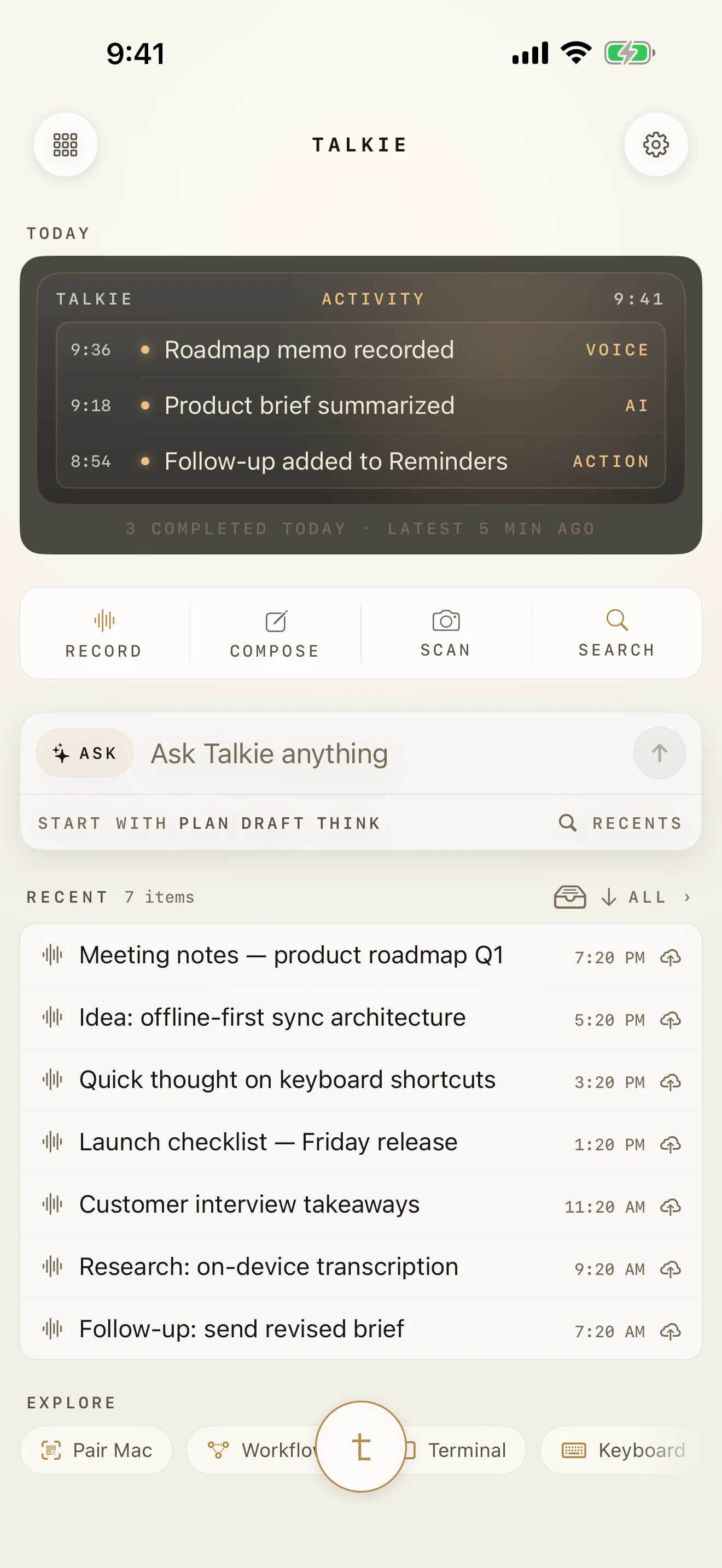
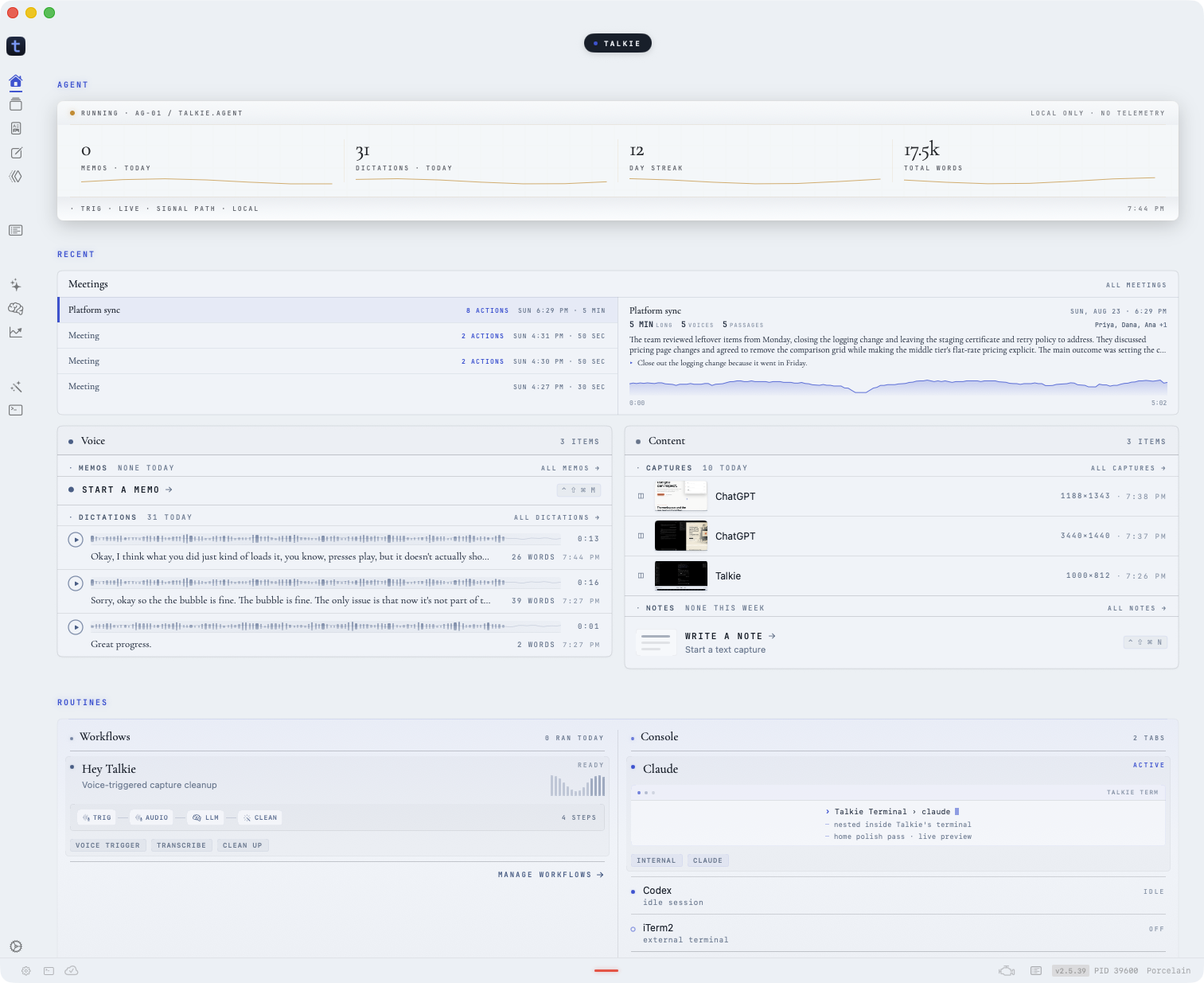
Talkie for Mac Review meetings, captures, workflows, and connected agents.
· PRODUCT MODEL ·
Capture context. Send it to an agent.
Each surface shows the same Situation, Action, and Result.
Action

A global shortcut puts the speech at the active cursor.
Talkie dictation across Cursor, ChatGPT, Ghostty, and Talkie
· DICTATION CAPTURE · LIVE EXAMPLES
How do I dictate into any Mac app?
Set the hotkey once, then speak into any app. This staged capture shows the same global shortcut in a note, a temporary chat, and Claude Code. Talkie stores each result locally with its source and recording metadata.
See workflowsOPEN THE LIVE CAPTURE
Probably go with shades of gray, maybe a little bit of the accent color—more ember than trace—and just level it up a little bit.
· CAPTURE MODES
What can Talkie do with a voice capture?
A capture can become a note, a draft, a search, or the start of a workflow. Say it once, then use it where it belongs.
SHOW CAPTURE MODES
Catch it before it changes.
Record on iPhone, Watch, or Mac. Transcript stays in one place.
Speak straight into the work.
Hotkey on Mac. Dictate into whatever app you're already in.
Clean it up later.
Rewrite, trim, or expand once the raw take is saved. It's not going anywhere.
Find it three weeks from now.
Search across everything you’ve said. Talkie remembers the app, the time, and the context.
Turn raw speech into stuff you can use.
Voice goes in. Summaries, tasks, and files come out.
Script against it.
Your voice data has a CLI. Pipe it, query it, build on it.
· COMING BACK LATER
How can I find a voice note later?
Talkie stores the transcript, time, app, and project context with each capture so it stays searchable.
SHOW THE RECOVERY FLOW
Capture in the cheapest mode.
Use whatever's closest: iPhone, Watch, a Mac memo, or dictation right at the keyboard.
Recover the surrounding context.
Talkie remembers the transcript, time, app, and project clues that make a later search actually useful.
Turn it into output when you are ready.
Summaries, tasks, cleaned-up notes, diffs, and workflows happen after the idea is safely stored.
· OWNERSHIP
Where does Talkie store voice data?
Your recordings and transcripts start on your devices. You can sync them through your iCloud account. External models are optional and use the keys that you provide.
SHOW DATA OWNERSHIP
Local-first library
Your recordings and transcripts stay on your devices. Not on someone else’s server.
Sync through your iCloud
Sync runs through your iCloud account. Talkie does not operate the sync server.
Models on your terms
On-device, bring-your-own-key, or fully offline. All three work.
Your devices
local library
Your iCloud
private sync
External models
opt-in · your keys
· DOWNLOADS
How much does Talkie cost?
The current Mac build is free. Talkie Phone and the Apple Watch app are free. A 7-day trial and a $39 one-time Mac license are planned. The trial and checkout are not active yet.
MAC · WORK SURFACE
Use the signed DMG or a package manager. Requires macOS 26 or later on Apple silicon.
iPHONE + WATCH · CAPTURE SURFACES
Open Talkie Phone in the App Store. The iPhone and Apple Watch apps are free.
$bun add -g @talkie/appCURRENT DOWNLOADS · MAC · iPHONE · APPLE WATCH · CLI
VIEW THE FULL DOWNLOAD GUIDE